Thread|fall
Hit record. Run your game.
Your recap’s ready before everyone’s packed up.
Threadfall listens at the table, builds your campaign’s illustrated codex, and turns every session into a chapter of the chronicle, automatically. You tell the story.
Try Threadfall FreeBuilt for D&D and Daggerheart · 2 full sessions free · No credit card · Players always free
Audio is transcribed live and never stored, and never used to train AI.
Live at the table
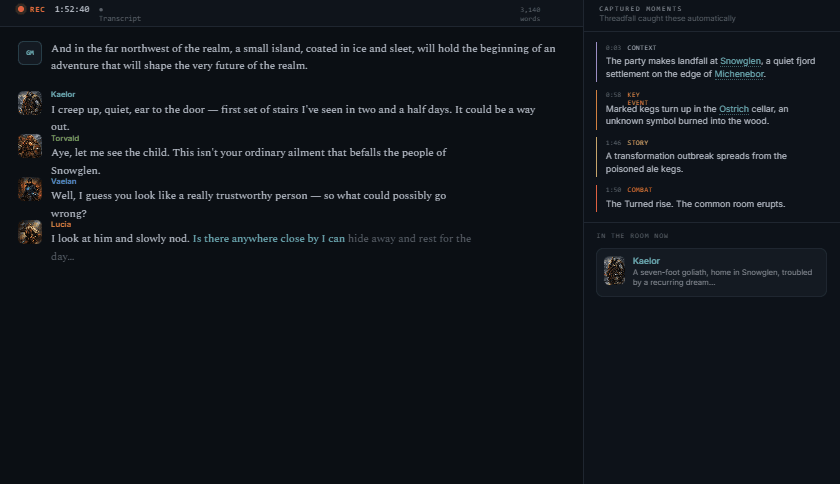
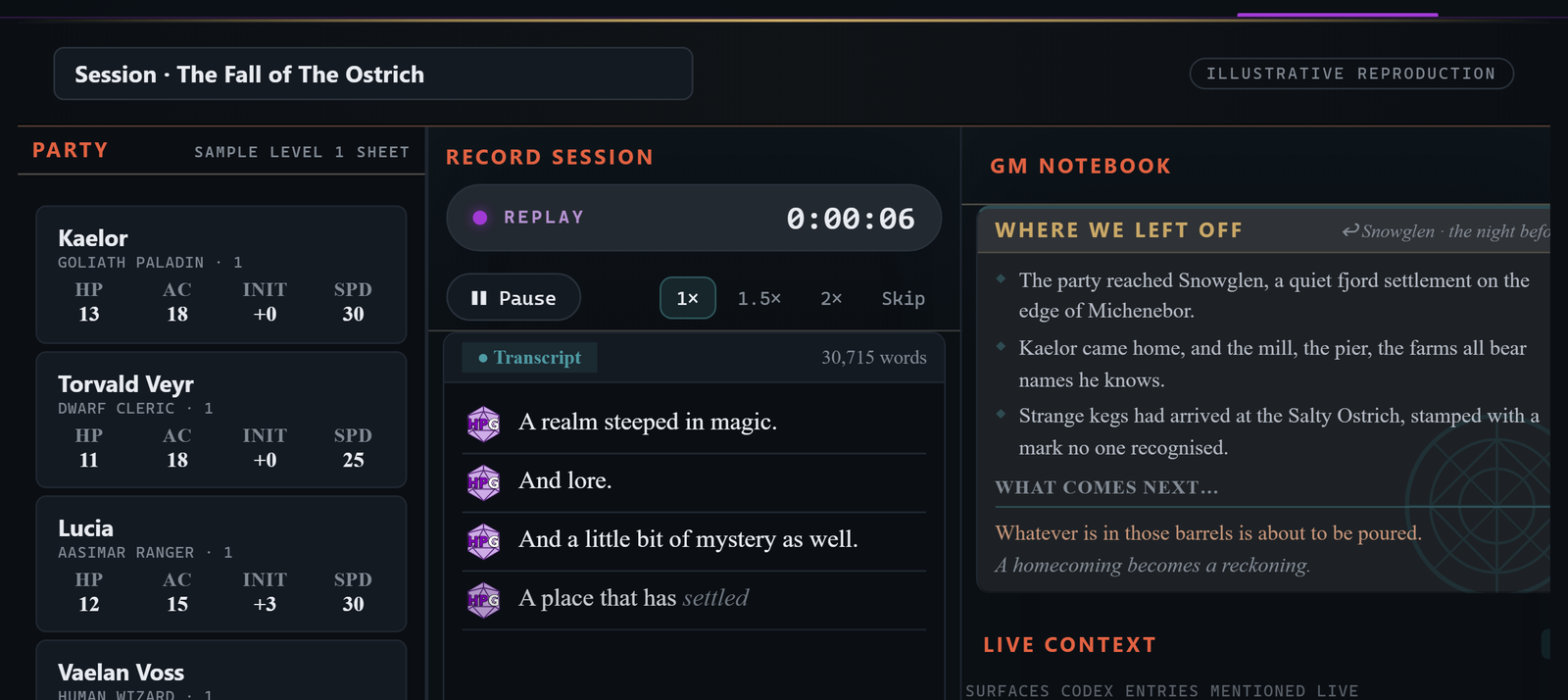
Hit record and play. Threadfall transcribes the session live with speaker labels while you stay in the scene. It filters out the above-table talk to deliver the facts. No scribbling notes while doing mental math. No deciphering said notes later. One device on the table hears the whole room, no laptops, nothing for players to pass around.
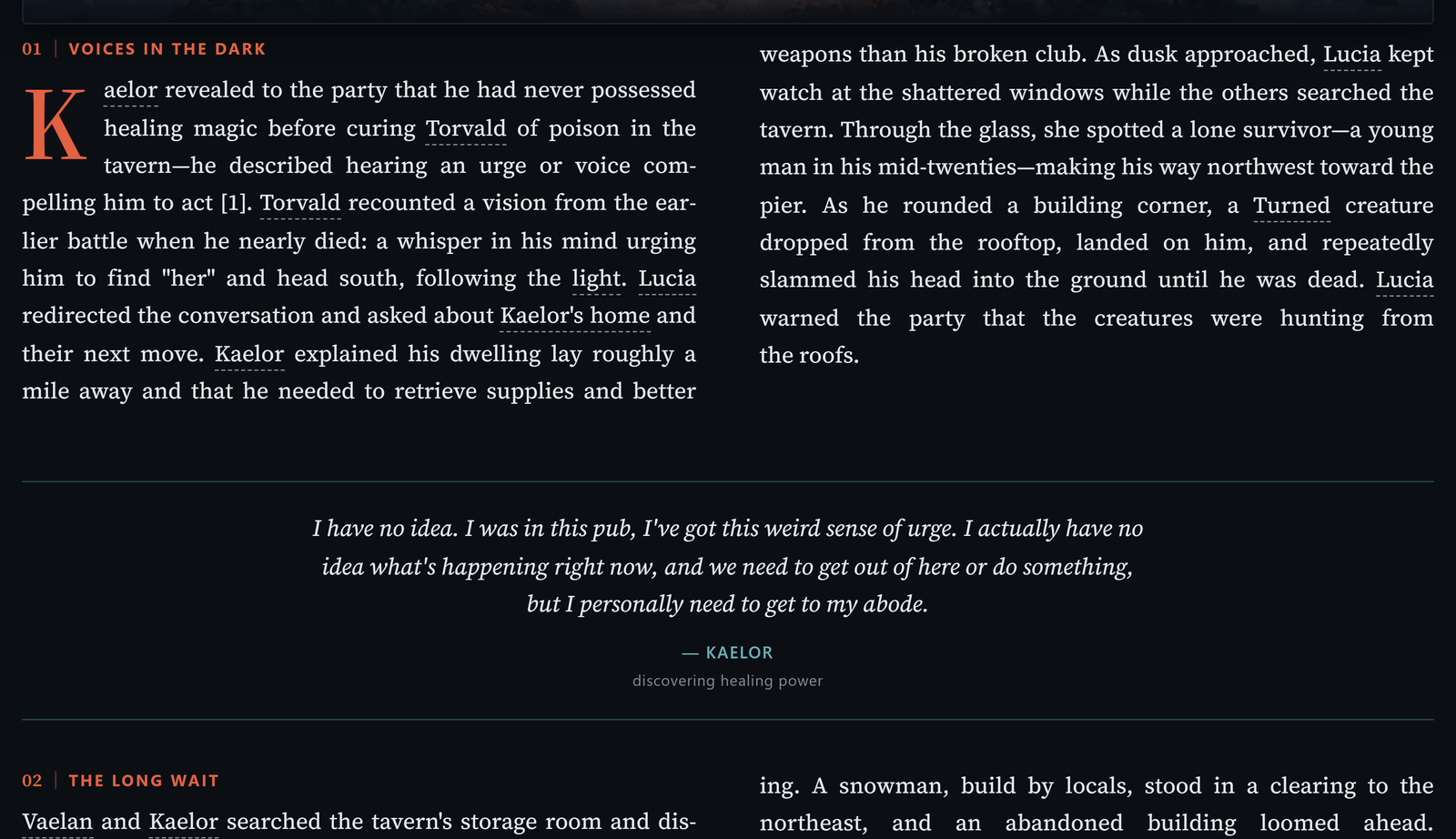
Every session, another chapter
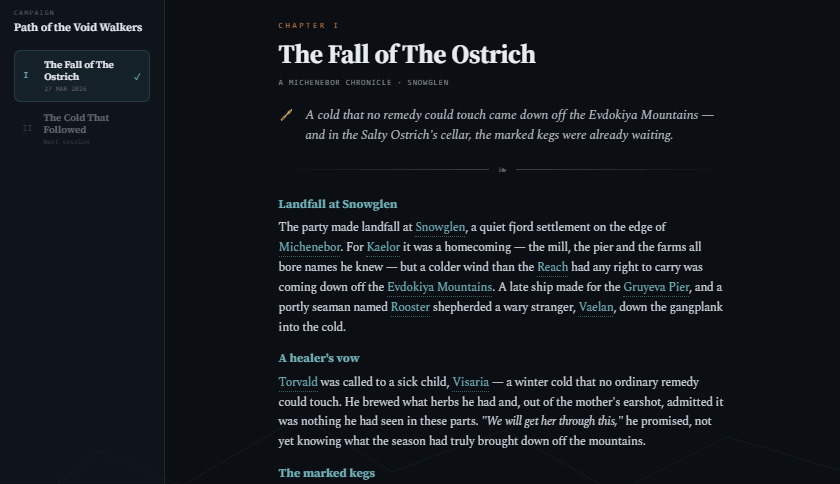
After the session, it turns what happened into a chapter of your campaign's chronicle: beats, turning points, and the table's actual lines, pulled straight from the transcript. Reads like a book. Stays exactly what happened at your table.
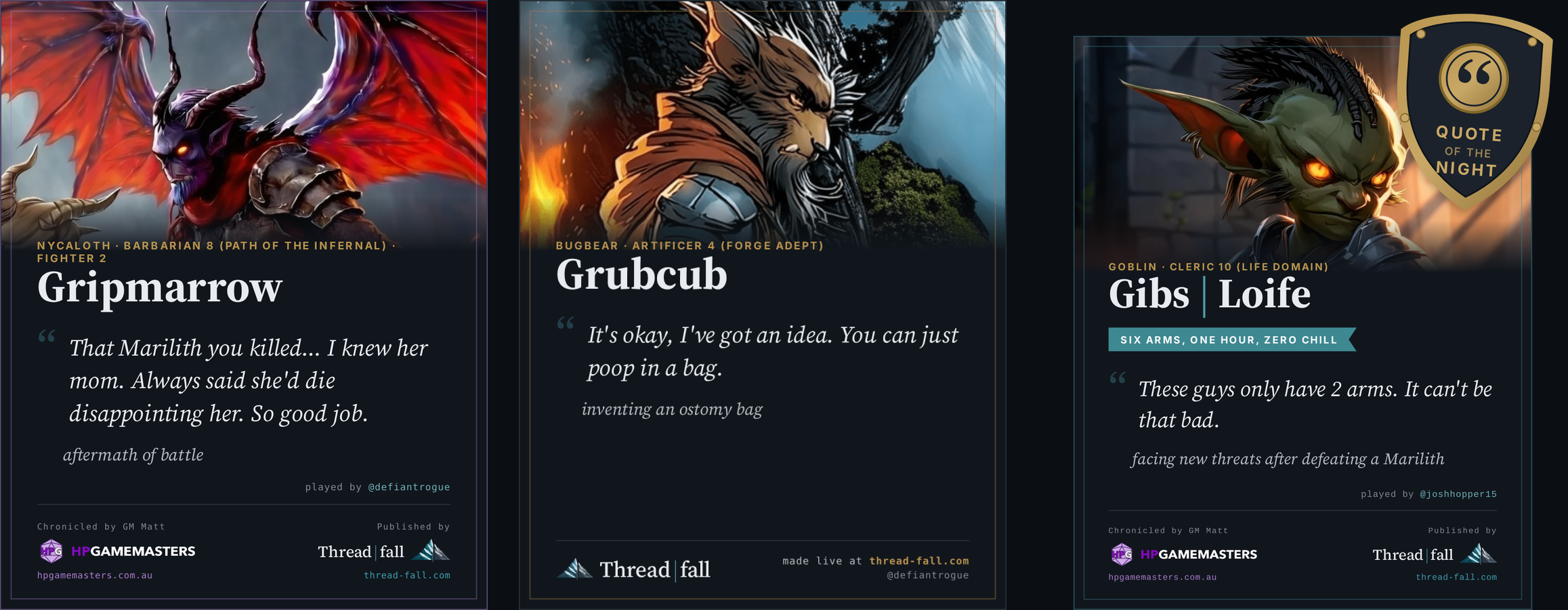
Immortalize the dumb things your party says
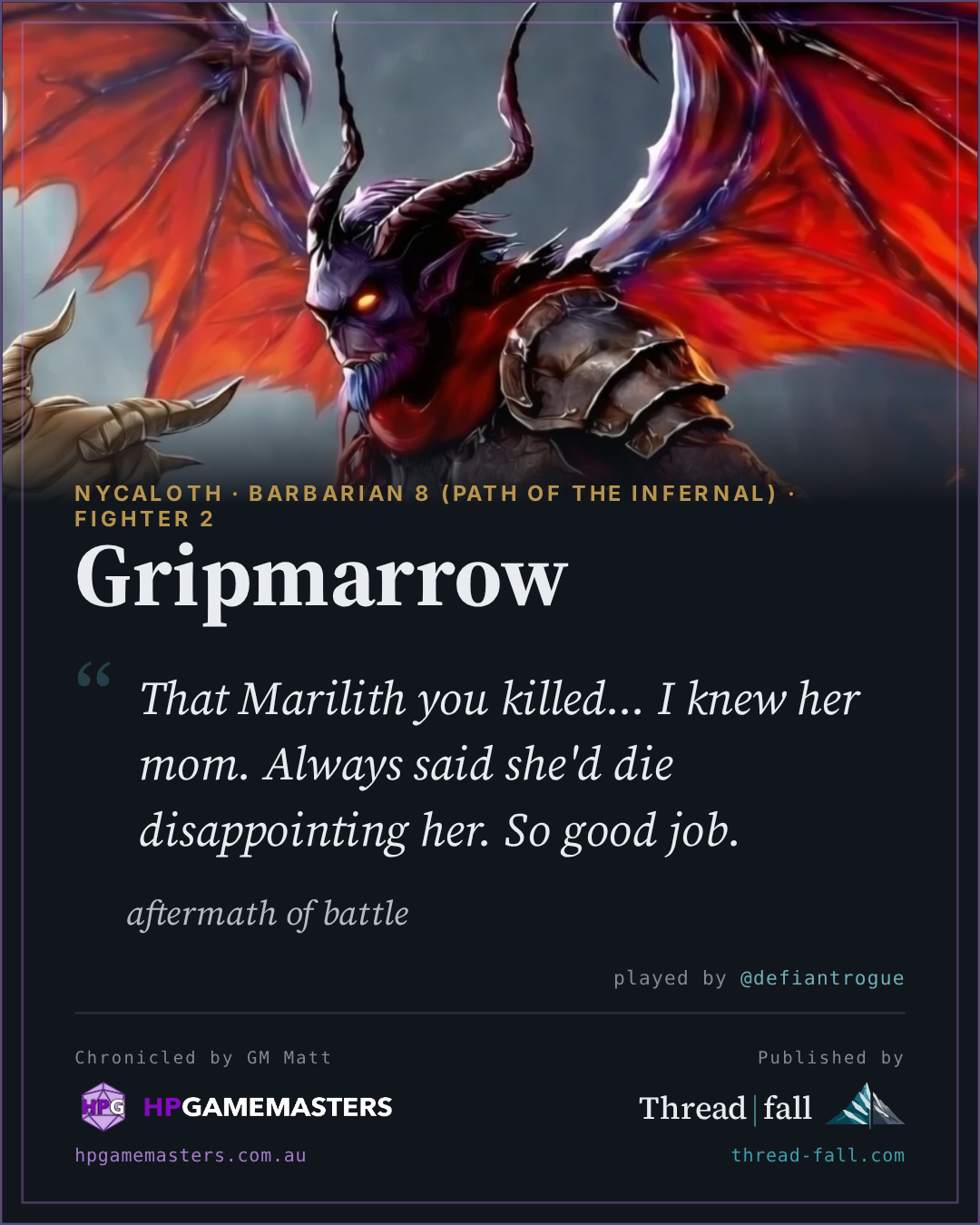
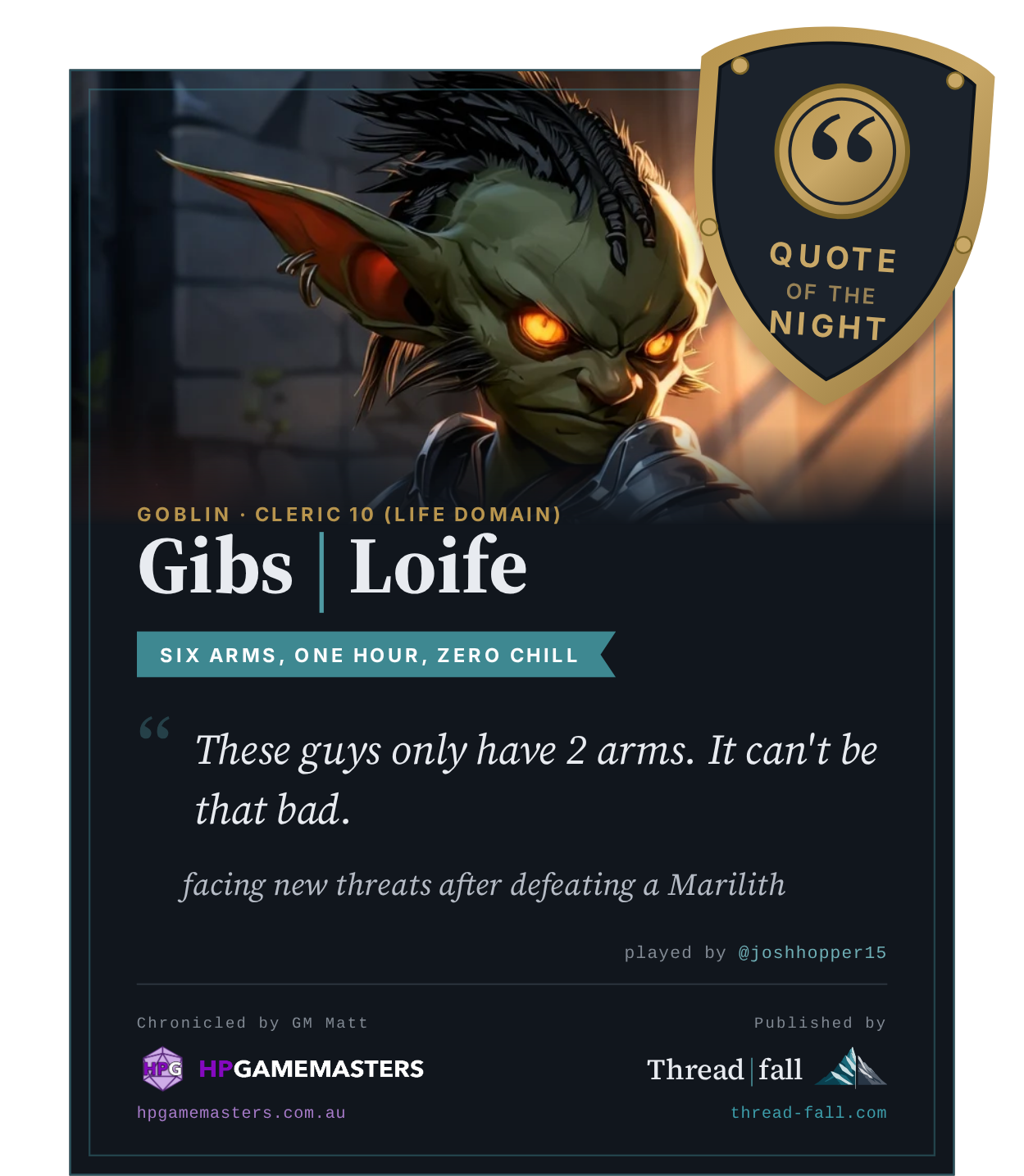
Pulled straight off the session recording: the quote, who said it, and the moment it happened. Nobody typed these up. Yours are next.
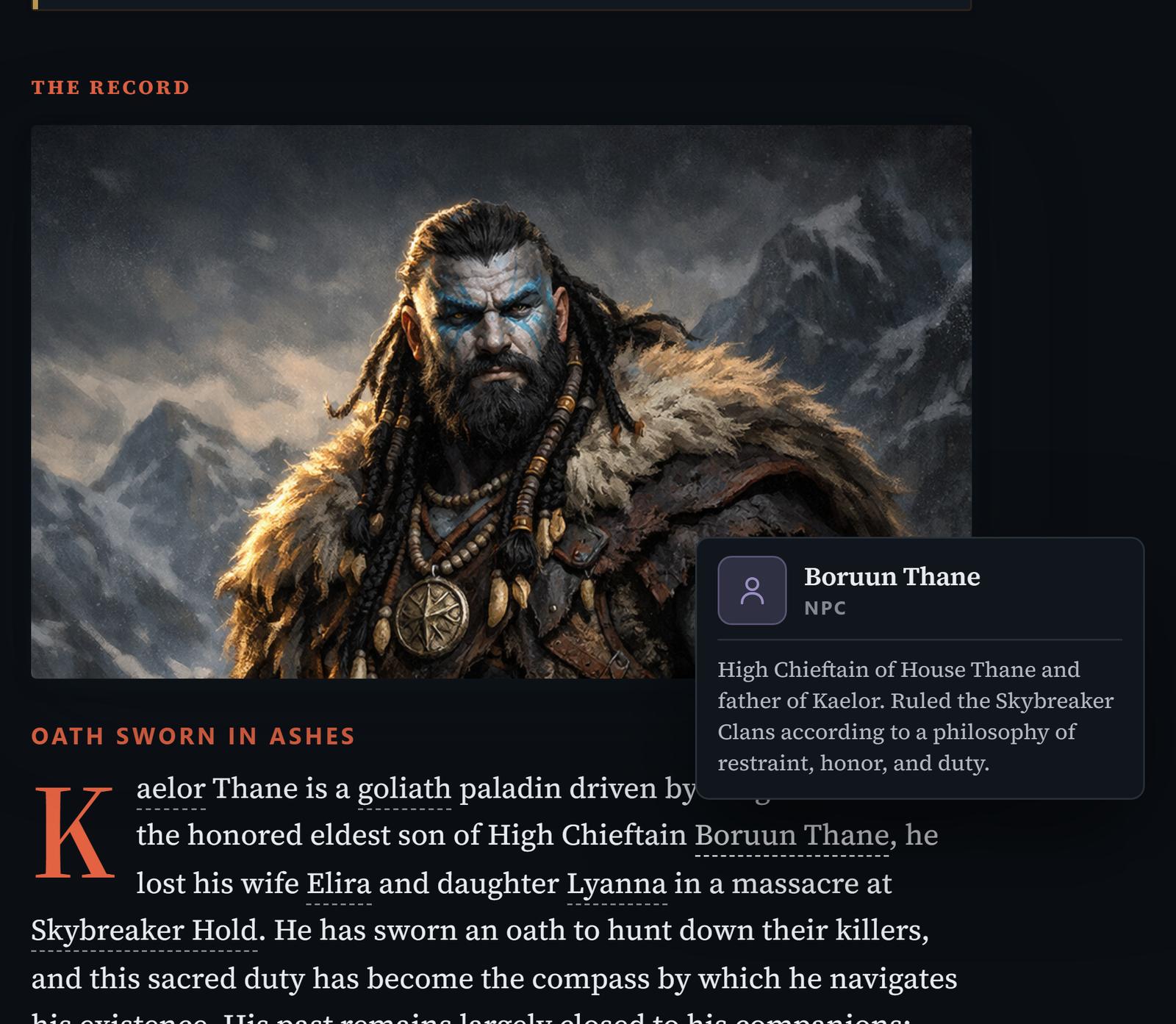
Never forget an NPC
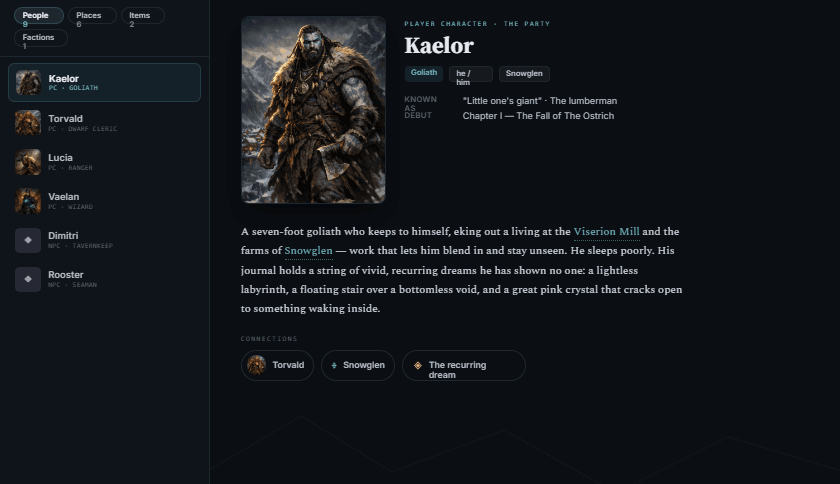
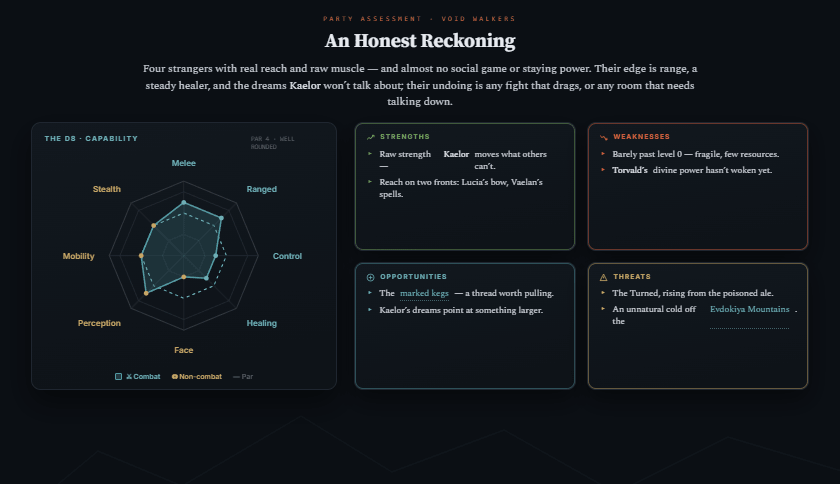
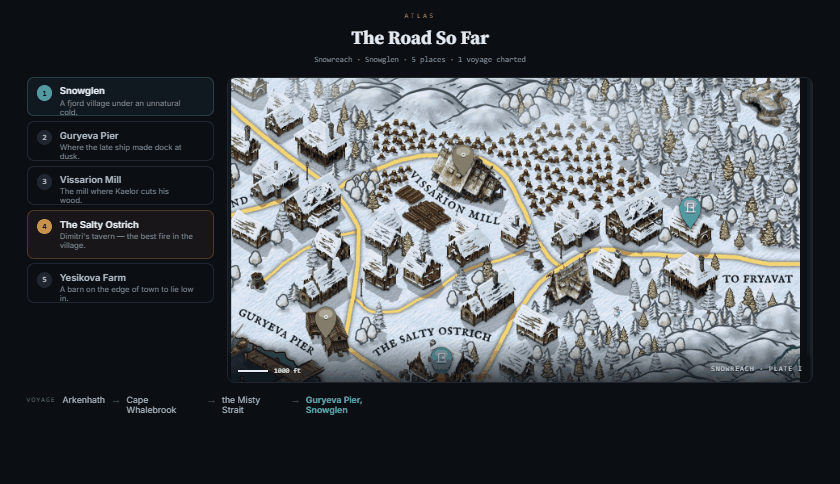
Every NPC, location, item, and faction is pulled from play into a cross-linked, illustrated codex, so the innkeeper from six sessions ago is one tap away, not a frantic flip through old notes.
Never prep from a blank page
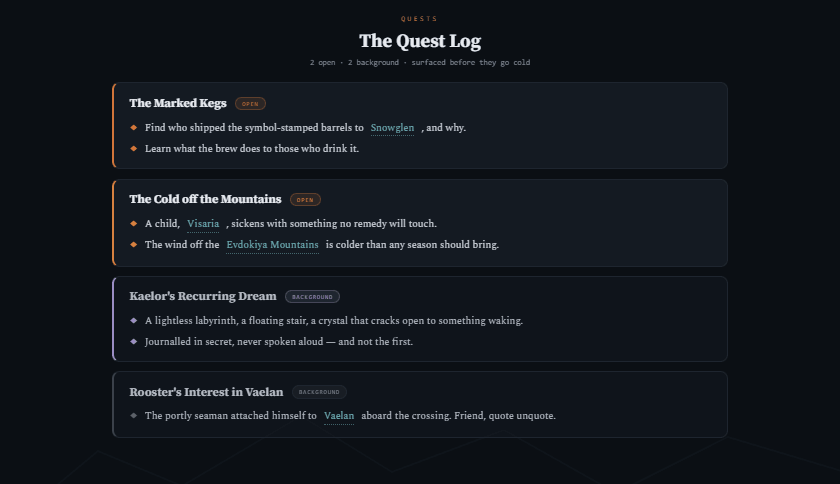
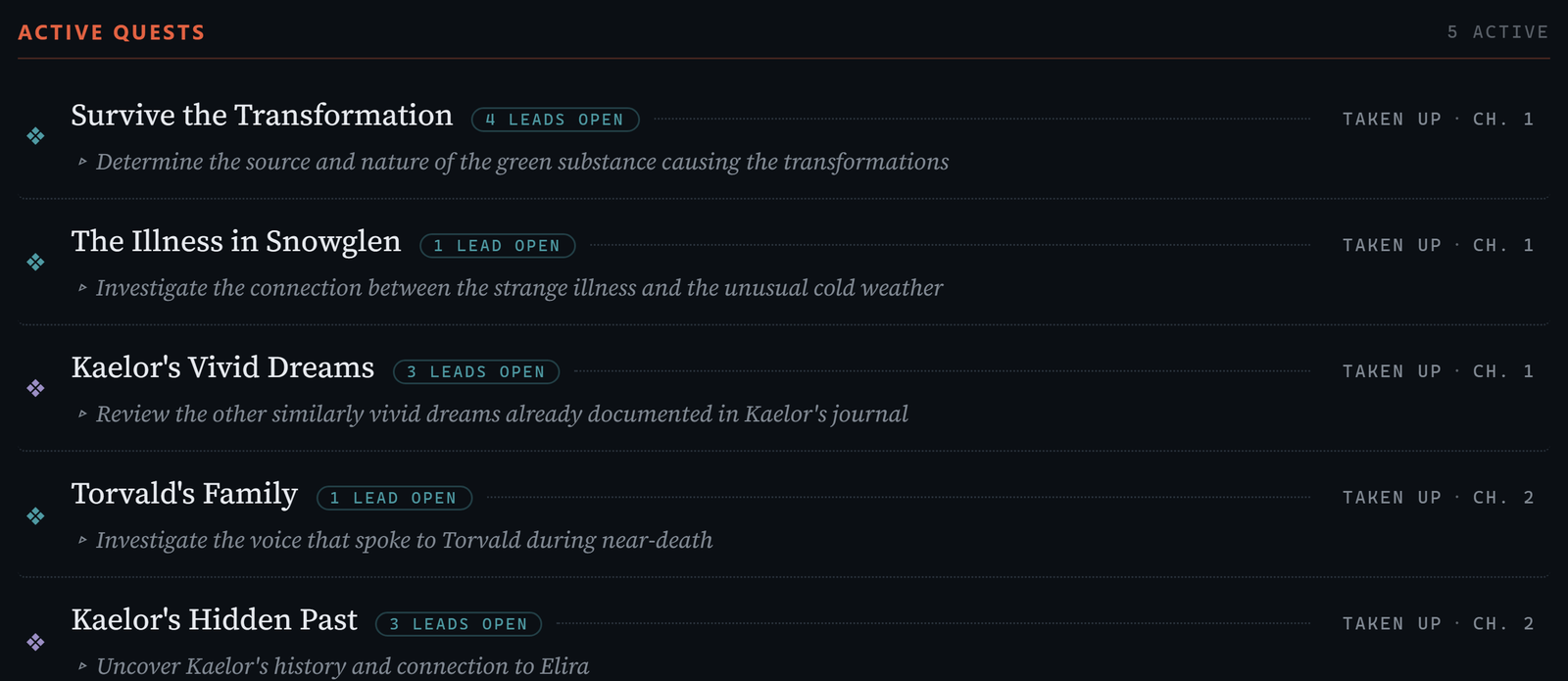
Threadfall flags the loose threads you've dropped, the NPC who wandered off, the foreshadowing that never paid off, and weaves the ones you pick into next session's scene.
 HP GameMasters, an independent D&D outfit, running their homebrew world of Michenebor. Their real campaign, not our demo.
Read the chronicle
HP GameMasters, an independent D&D outfit, running their homebrew world of Michenebor. Their real campaign, not our demo.
Read the chronicle
Run by HP GameMasters, professional Game Masters in Melbourne.
Will my session or homebrew be used to train AI?
No, nothing you record ever trains an AI model, ours or anyone else's. We keep the transcript and recap for you so your chronicle stays intact, but the raw audio is never saved. Export your whole campaign whenever you want, and if you delete your account, everything's gone within 30 days.
Do my players have to pay or install anything?
No, nothing to install, nothing to pay. Threadfall runs from your browser. No app, no plugin.
Can I use Threadfall for free?
Yes, you can use Threadfall free for as long as you want, no credit card required. Your players are always free too. If you want more than what the free version offers, you can choose to upgrade to a paid plan. You can see the plans below.
Start free with two full sessions. Upgrade any time for more campaigns and recaps.
Free
no credit card, no time limit
See your real campaign as a book, before you pay a copper.
- Players always free. They join, read & post
- 2 full sessions with complete AI recaps
- Live session view for the whole table
- Discord publishing included
Takes 10 seconds. No card, no time limit.
Hobby
or $100/yr, 2 months free
Run live sessions, get recaps and a codex the table actually reads. Everything one campaign needs.
- 3 recaps/mo · a monthly or bi-weekly game · 1 active campaign
- Live at the Table
- Auto-built illustrated codex
- Quote cards
- Bardic Companion
Set up your account, then sub to Hobby.
Standard
or $250/yr, 2 months free
Playing weekly? 3 recaps a month runs out fast. Standard keeps up with a real campaign.
- 6 recaps/mo · a weekly campaign through a full arc · 3 active campaigns
- Prep Suite: Loose Threads, Weave Fates, Foreshadow
- Everything in Hobby
Set up your account, then sub to Standard.
Only the GM subscribes. Players are always free. Cancel anytime, your chronicles stay yours.
Running more tables? Master and Pro add unlimited campaigns and Anthologies. See all plans.
Threadfall is the only one that’s at the table with you.
Other tools want your notes after the game. Threadfall listens live and hands you the chronicle before you’ve packed up. See how it compares →